



 CHOOSE FILE
or drop your file here
Try more resizer tools 🚀


A Printing Image Resizer is an online software tool that enables you to resize images based on the given dimensions to make them better suitable for printing.
Follow these steps to resize an image for printing. Simply select the file that you wish to print and then customize the print settings to your preferences. Once the settings are chosen, the file is downloaded and sent to the printer for output.
Using an image resizer for printing allows you to quickly and easily resize your images to the exact size you need for printing. This ensures that your images will look great and be perfectly sized for the project you are working on. Additionally, it can save you time and money by allowing you to avoid costly reprinting mistakes.
An image resizer for printing can be used for a variety of projects, including brochures, postcards, business cards, banners, posters, and more. It can also be used to create images for websites, social media, and other digital platforms.
The Printing Image Resizer helps users generate physical copies of digital documents for diverse applications like presentations, marketing materials, and more. It also provides a streamlined method for producing large print quantities in one go, resulting in significant time and cost savings.
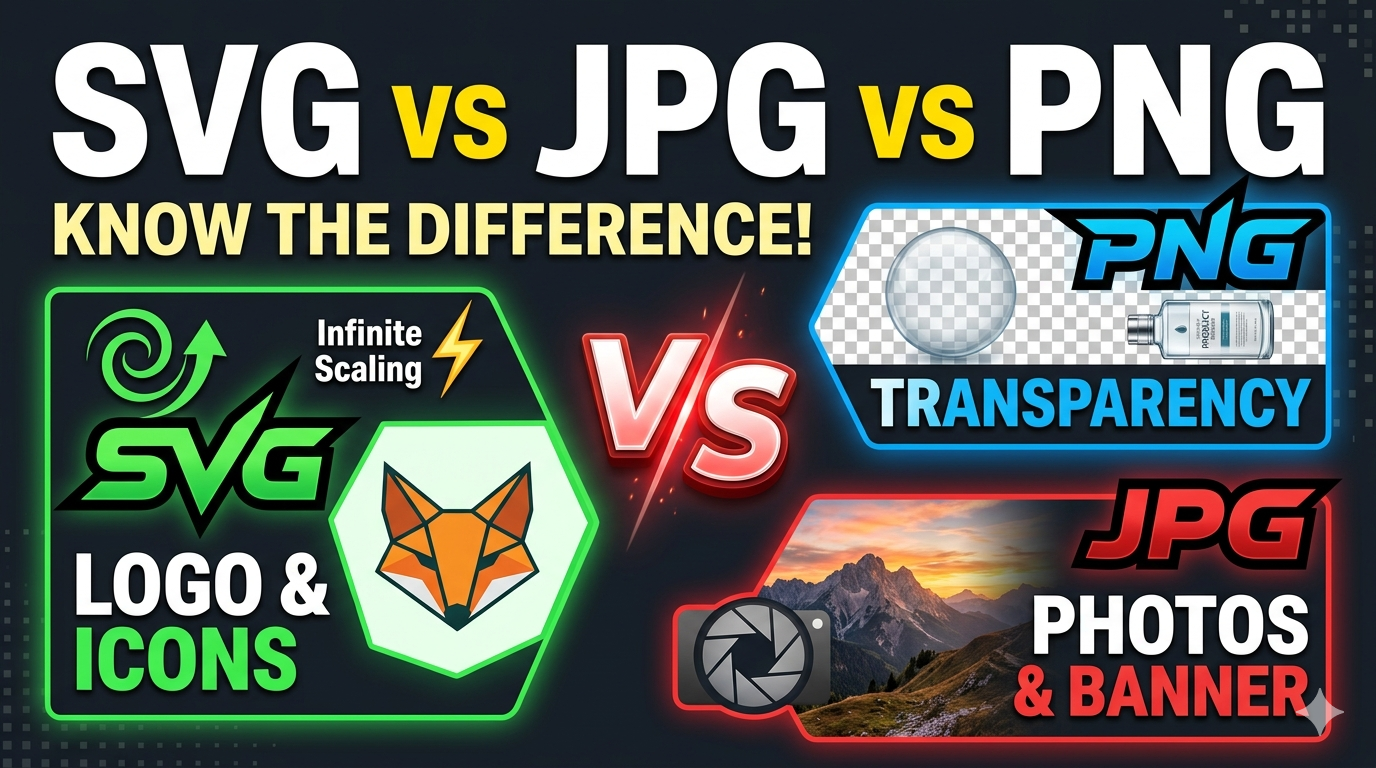
This feature supports a wide variety of document types, including PDF, JPG, BMP, PNG, TIFF, and more.
Yes, users should be aware of the size and resolution of the document before printing, as this can affect the quality of the print. Additionally, users should ensure that their printer is compatible with the document type they are printing. It is advisable for users to choose the right template for their specific purposes.
Yes, the resizing picture for printing is designed to be easy to use and requires minimal setup.
Yes, the printing feature is compatible with most types of printers, including inkjet, laser, and 3D printers.
Unfortunately, our tool does not support bulk image resizing. However, you have the option to use our Resize Picture for Printing to resize multiple images simultaneously at no cost.
Yes, our Resize Image for Printing supports color printing.
The Printing Image Resizer offers various dimensions such as 1000x1500, 2000x3000, 3000x4500, 4800x7200, 6000x9000 pixels, and many more. Visit our website to explore more pre-designed templates to meet your needs.
The printing feature can be used to create professional-looking prints for marketing materials, presentations, and other commercial applications.
Yes, our online Printing Image Resizer is safe and secure as it uses privacy protocols to ensure the safety of your documents.
Yes, our online Printing Image Resizer is free to use without any limitations. You can resize multiple images at zero cost.
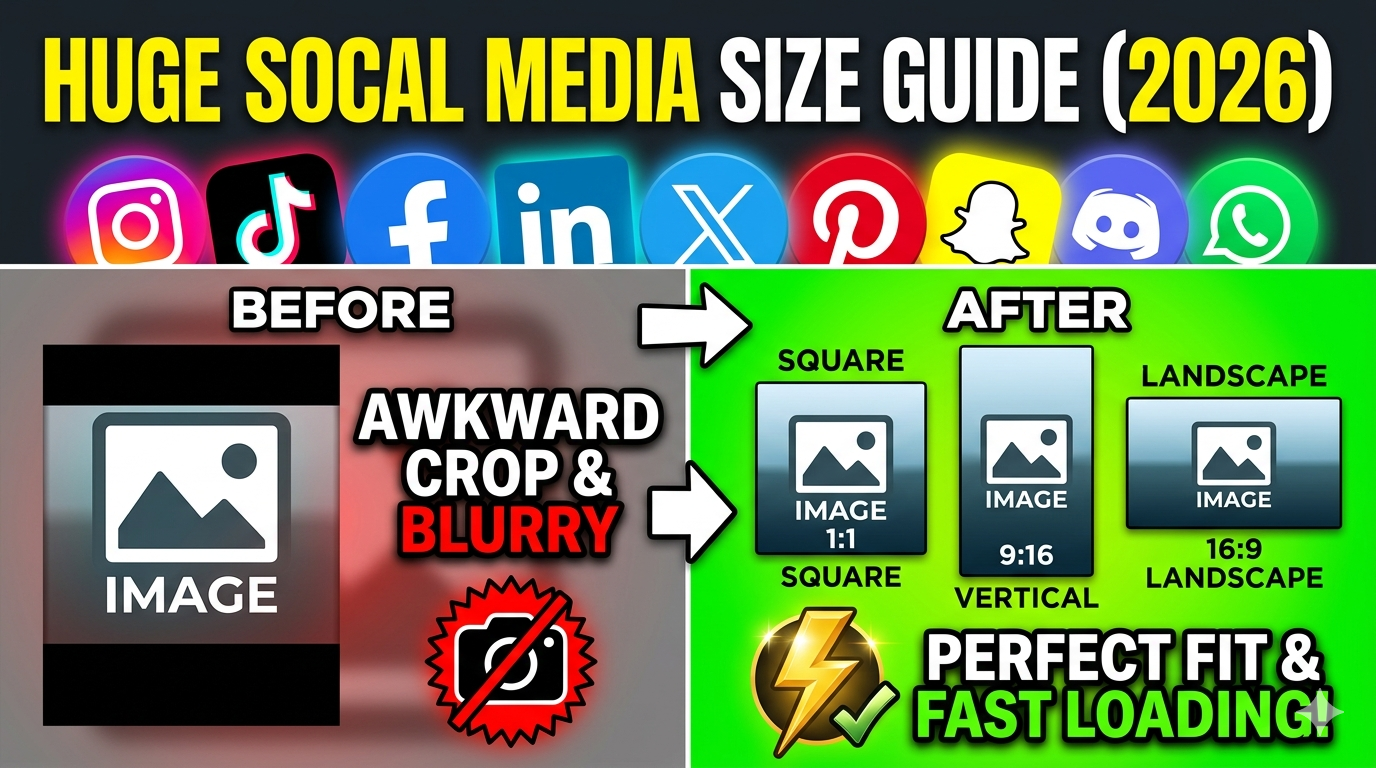
You can use the resized image on any social media platform if its dimensions are appropriate. Different social media platforms often require varying image dimensions, so having a versatile resized image is beneficial.
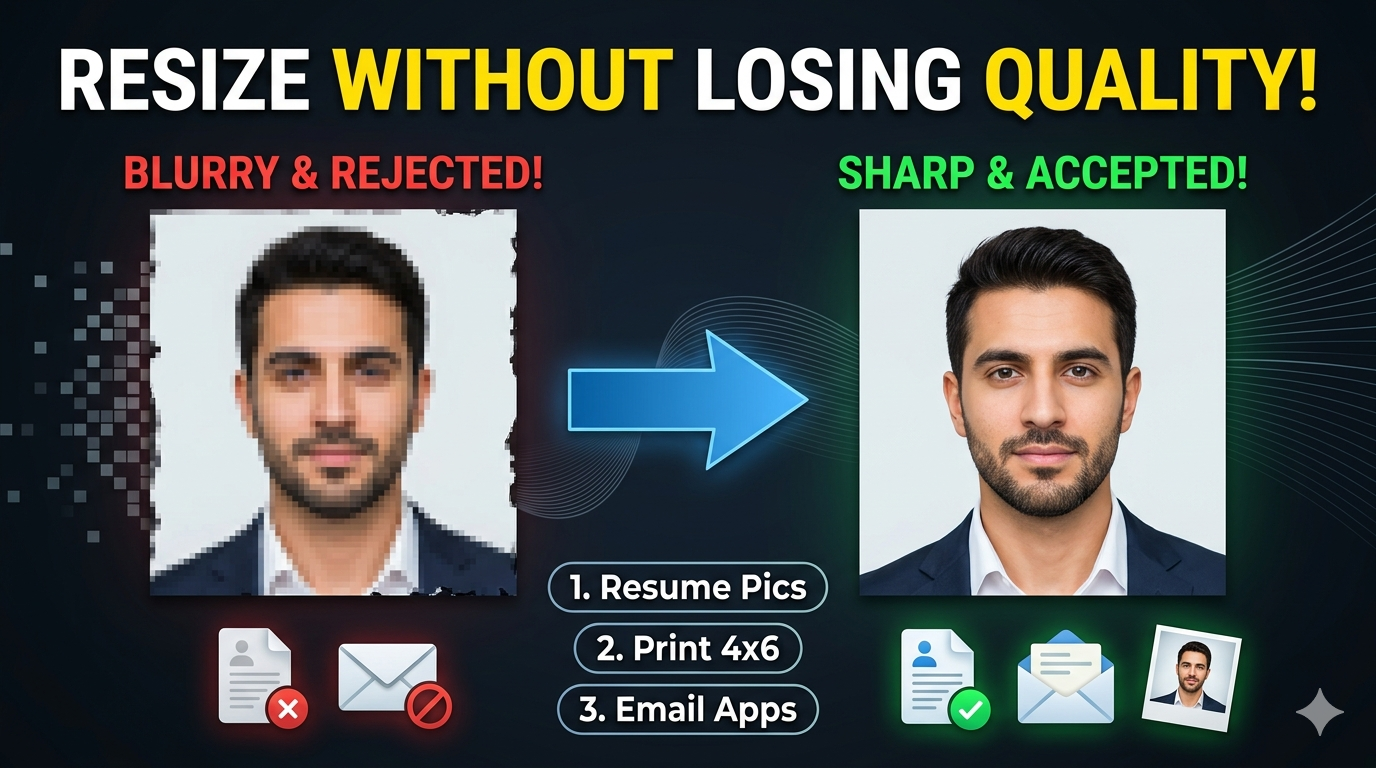
Resizing images too large can cause pixelation or blurriness if the original resolution isn't high enough. Enlarging low-resolution images often results in a loss of detail and sharpness. Conversely, reducing image size excessively might crop out important details or context. Aspect ratio mismatches can lead to distorted or stretched images if not handled carefully. Compression artifacts may become more noticeable after resizing, especially with JPEGs. The quality of the resized image depends largely on the original resolution and the algorithm used by the tool. Proper resizing requires balancing size, resolution, and aspect ratio for optimal print quality.
Resizing ensures the image dimensions match the print size, preventing unwanted stretching or squishing. It allows adjusting the resolution (pixels per inch) to meet printer requirements, typically 300 DPI for high-quality prints. Proper resizing preserves image sharpness and detail, ensuring the final product looks professional. It minimizes pixelation and blurriness by optimizing image dimensions relative to the original resolution. It also enables you to crop or focus on specific areas, improving composition. Overall, resizing is key to achieving clear and visually appealing printed images.
Yes, our online tool is compatible with all devices, including desktops, laptops, tablets, and smartphones. You can upload images from your device’s storage or cloud services like Google Drive and Dropbox. The process is seamless across all platforms, thanks to a responsive web design. There’s no need for software installation or updates; everything runs directly in your browser. This flexibility allows you to resize images anytime and anywhere with an internet connection. The tool ensures consistent performance regardless of device type or operating system. It’s designed to be accessible, user-friendly, and secure for all users.
Our tool supports all major image formats suitable for printing, including JPEG, PNG, TIFF, and BMP. JPEG is most common due to its balance of quality and file size. TIFF is preferred for high-resolution professional printing, offering lossless quality. PNG is ideal for images requiring transparent backgrounds. BMP is supported but less common due to larger file sizes. The wide format support ensures you can work with images from various sources without conversion issues. You can upload images directly in your preferred format and resize them for optimal print results. This flexibility simplifies preparing images for any type of print project.


Best image resizer tool for printing

Benefits of image resizer tool for printing

How it works