



 CHOOSE FILE
or drop your file here
Try more resizer tools 🚀



The Image Resizer for Discord is an online platform that allows users to quickly and easily resize images for various purposes, such as web design, social media, and SEO.
Using our Discord Image Resizer offers a range of benefits including optimized image delivery, improved website loading times, and better search engine optimization. It also allows users to easily resize images to fit their website or application requirements.
When using our Image Resizer for Discord, it is important to ensure that the images are properly resized and optimized for the intended use. Additionally, users should consider the image quality and file size when resizing images, as this can affect the overall user experience.
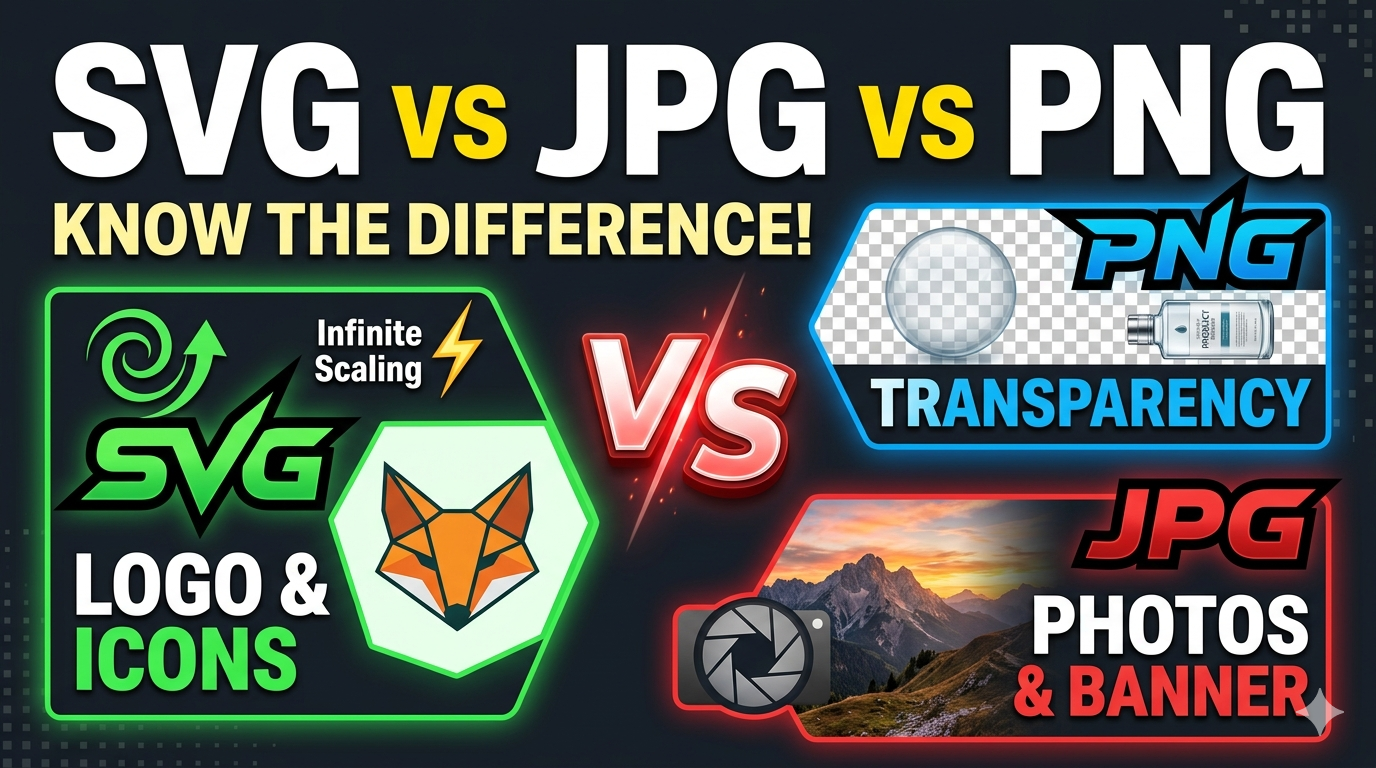
Our online Image Resizer for Discord supports the most popular image formats, including JPG, SVG, JPEG, PNG, and GIF.
Images can be resized in just a few seconds using our Image Resizer for Discord. Once you have uploaded the image, the tool will guide you to various templates with different dimensions. Choose the appropriate dimension according to your requirements and make the necessary adjustments. Finally, click on the 'Download' button to upload it on Discord.
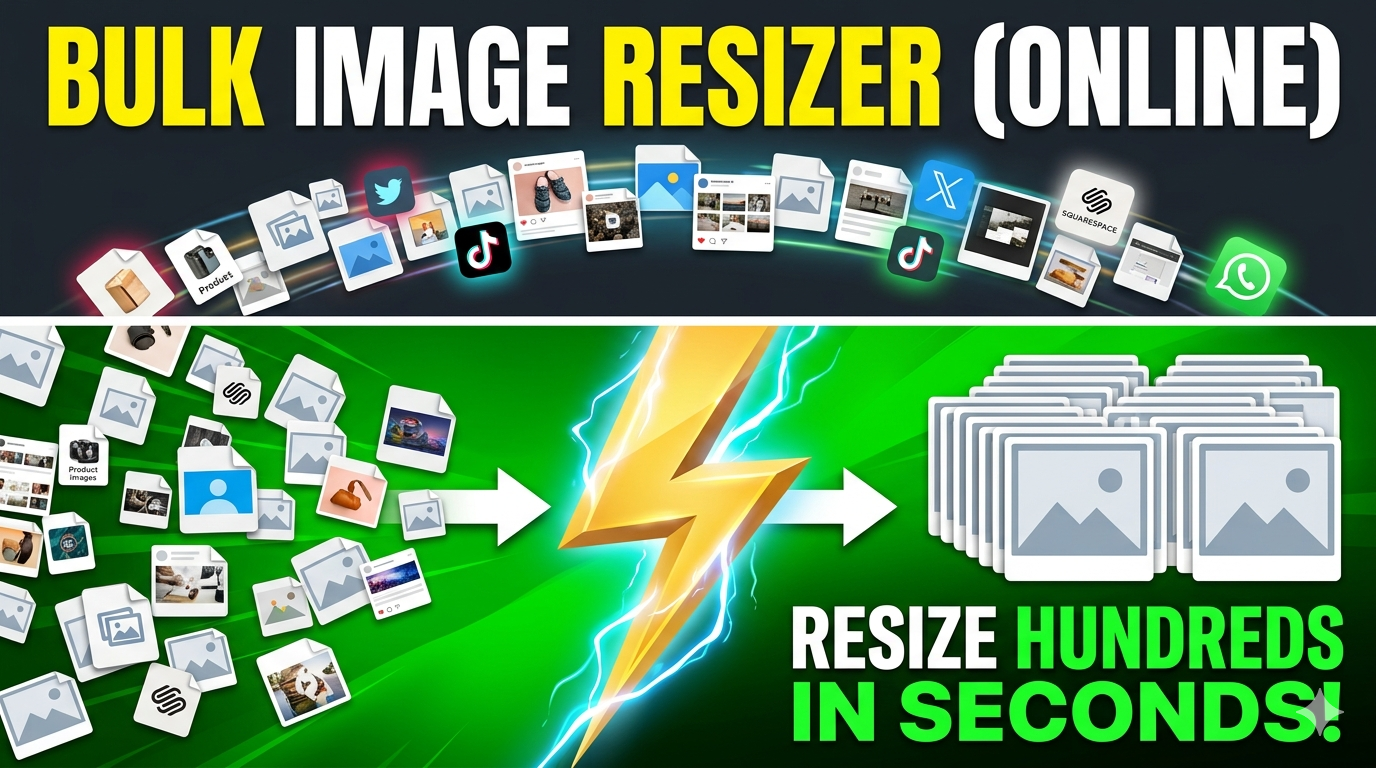
Our Image Resizer for Discord does not support batch image resizing. However, if you want to resize bulk images, you can visit our website at https://image-resizers-emd-develop.netlify.app/multiimage and resize multiple images in one go.
Our Image Resizer for Discord offers a fast, easy, and affordable way to resize images, making it ideal for web designers, social media marketers, and SEO professionals. You can choose the appropriate templates based on your purposes.
Yes, our Discord Image Resizer provides additional features, such as image optimization and cropping. Additionally, you have the flexibility to choose to download specific dimensions or download all images of various dimensions.
Yes, our Image Resizer for Discord is free to use for basic image resizing.
Yes, our Image Resizer for Discord is safe and secure. This reliable website uses industry-standard encryption to protect user data.
Yes, our Discord Image Resizer is designed to be easy to use, with a simple user interface and intuitive controls. There is no requirement for any additional skill to use it.
Resizing Images for Discord can be used by web designers, social media marketers, and SEO professionals to quickly and easily resize images for various purposes.
There are no compatibility issues with our online Discord Image Resizer. It works smoothly with various platforms and devices.
The recommended dimension for resizing a picture for a Discord profile is 128x128 pixels.
Yes, our Image Resizer for Discord offers customer support via email and live chat. You can contact us at care@imgresizers.com.
The Discord Image Resizer aligns uploaded images with Discord-specific dimension presets. Proper sizing helps avoid pixelation across server icons, profile photos, and banners. Structured templates ensure uniform appearance across Discord interfaces.
The Resize Image for Discord tool supports JPG, PNG, JPEG, GIF, and SVG formats. Format compatibility ensures smooth resizing without quality loss. Uploaded images maintain clarity after resizing.
Predefined templates in the Discord Image Resizer follow standard Discord image size guidelines. Consistent dimensions help maintain recognizable branding across servers and channels. Structured layouts reduce resizing errors.
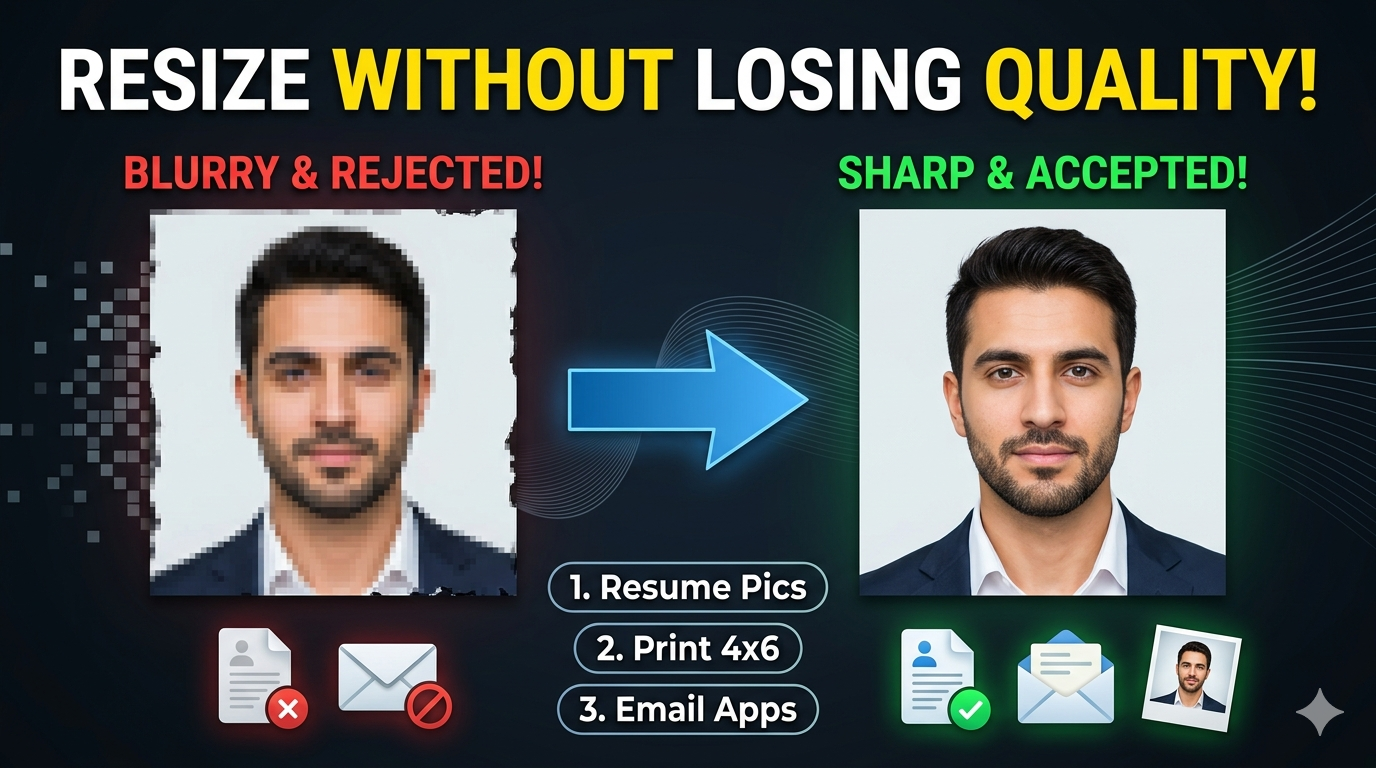
The Discord Picture Resizer adjusts dimensions while preserving resolution and sharpness. Image compression is handled carefully to avoid blurring. High-quality output supports professional Discord visuals.
The Resize Image for Discord tool supports branding assets for communities, gaming servers, and professional groups. Accurate resizing helps maintain visual consistency across promotional materials. Commercial usage remains supported without restrictions.
The Discord Image Resizer functions across major browsers and operating systems. Compatibility includes Windows, macOS, Linux, tablets, and mobile devices. Smooth access ensures resizing without platform limitations.
The Discord Image Resizer provides immediate resizing results after upload. Quick processing reduces manual effort during content creation. Free access supports repeated resizing needs without limitations.
The Discord Image Resizer preserves transparency for PNG and SVG files. Emoji visuals remain sharp after resizing. Transparent backgrounds remain unchanged during processing.
Platform-focused Image Resizer tools are available for structured resizing needs across different use cases. https://imgresizers.com/linkedin https://imgresizers.com/pinterest https://imgresizers.com/printing


Best image resizer tool for discord

Benefits of image resizer tool for discord

How it works