





FAQ's
What does 320 × 320 pixels mean for an image?
It means the image has exactly 320 pixels in width and 320 pixels in height. Because both dimensions are equal, the resulting image has a square shape.
What is a 320 × 320 image used for?
A 320 × 320 image is useful when a service, application, profile area, thumbnail, avatar, or other digital interface requires a square image of that exact pixel size. Using the specified dimensions prevents the file from being rejected or automatically resized by a system that expects 320 × 320 pixels.
Why does an image need to be exactly 320 × 320 pixels?
Some platforms and applications use fixed square dimensions for particular image fields. An image that is wider, taller, or uses a different pixel size may be automatically scaled, cropped, or rejected depending on the destination.
What happens when a rectangular image is resized to 320 × 320?
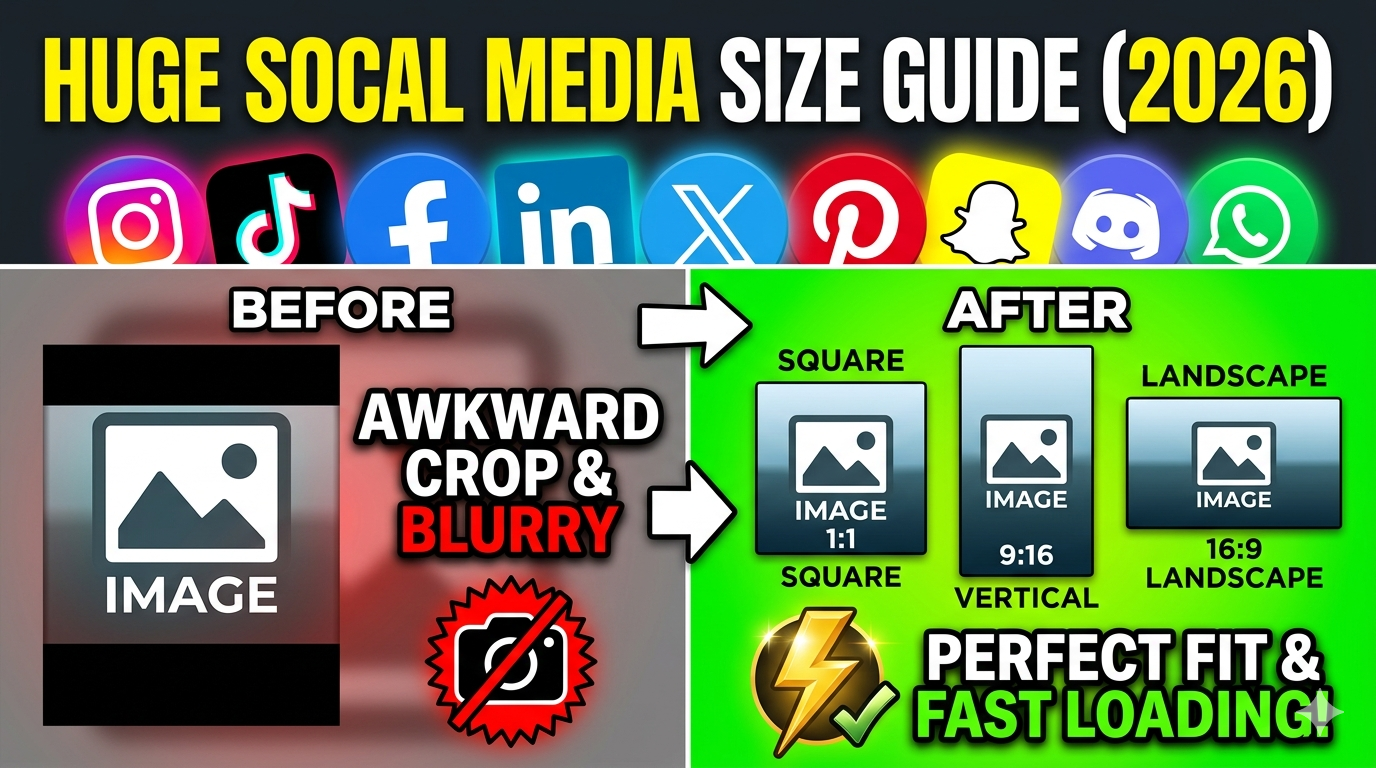
The result depends on the selected resize type. Stretch fills the 320 × 320 frame but can change the image's proportions, while the fit options preserve the original proportions and handle the extra space with a background.
How do I make an image 320 × 320 without stretching it?
Use Fit & BG Blur or Fit & BG Color instead of Stretch. These options preserve the original proportions and fill the remaining area so the complete output still measures 320 × 320 pixels.
What happens when Stretch is used for a 320 × 320 image?
Stretch forces the original image into a square 320 × 320 frame. If the source image is not already square, objects or people may appear wider or narrower because the original proportions are changed.
What happens if the original image is already square?
A square source image can be resized directly to 320 × 320 without needing to compensate for a different aspect ratio. The main change is the number of pixels, with the final width and height becoming exactly 320 pixels.
What happens if the original image is smaller than 320 × 320 pixels?
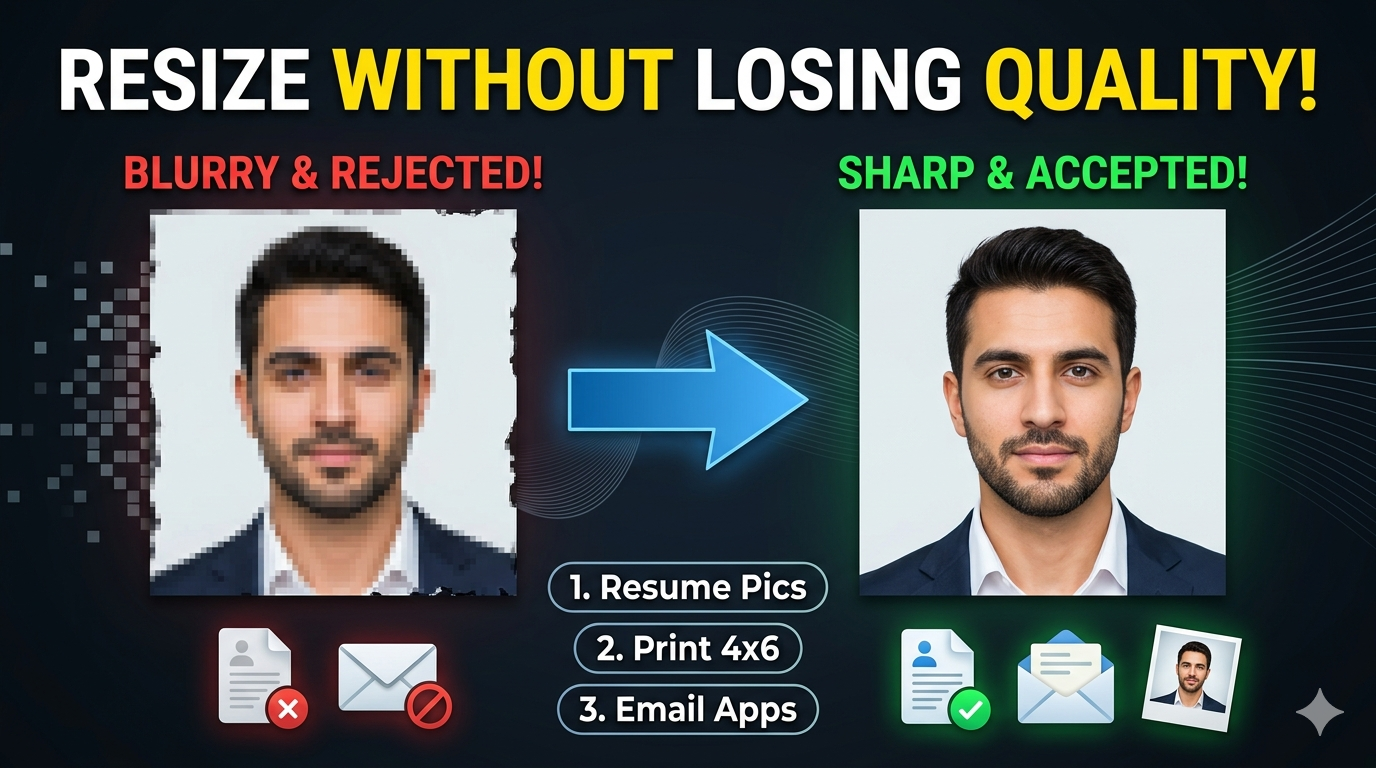
The image is enlarged to reach the requested dimensions. Enlargement can make existing softness or low-detail areas more noticeable because increasing pixel dimensions does not recreate missing source detail.
What happens if the original image is much larger than 320 × 320 pixels?
The image is reduced to the requested square dimensions. Fine details may become less noticeable after substantial reduction, particularly when the original contains small text or intricate patterns.
Does changing DPI change 320 × 320 pixels?
When the dimensions are explicitly set to 320 × 320 pixels, those pixel dimensions remain 320 × 320. DPI provides resolution information associated with the image and becomes particularly relevant when converting between pixel dimensions and physical measurements such as inches or centimeters.
Does a 320 × 320 image always have the same physical size?
No. A 320 × 320 pixel image can correspond to different physical dimensions depending on its DPI. The pixel dimensions stay the same, while the physical size represented by those pixels changes with resolution.
What quality setting is useful when a 320 × 320 file must be small?
A lower-quality setting can reduce the output file size when the destination has a strict file-size limit. The image should still be previewed afterward because stronger compression can make edges, text, and fine details less clear.
Why does the 320 × 320 output sometimes look different from the original?
Resizing changes the number of pixels used to represent the image, and the selected quality setting may also apply compression. These changes can affect fine details, sharpness, and the appearance of small elements in the original.
Which format is useful for a 320 × 320 photograph?
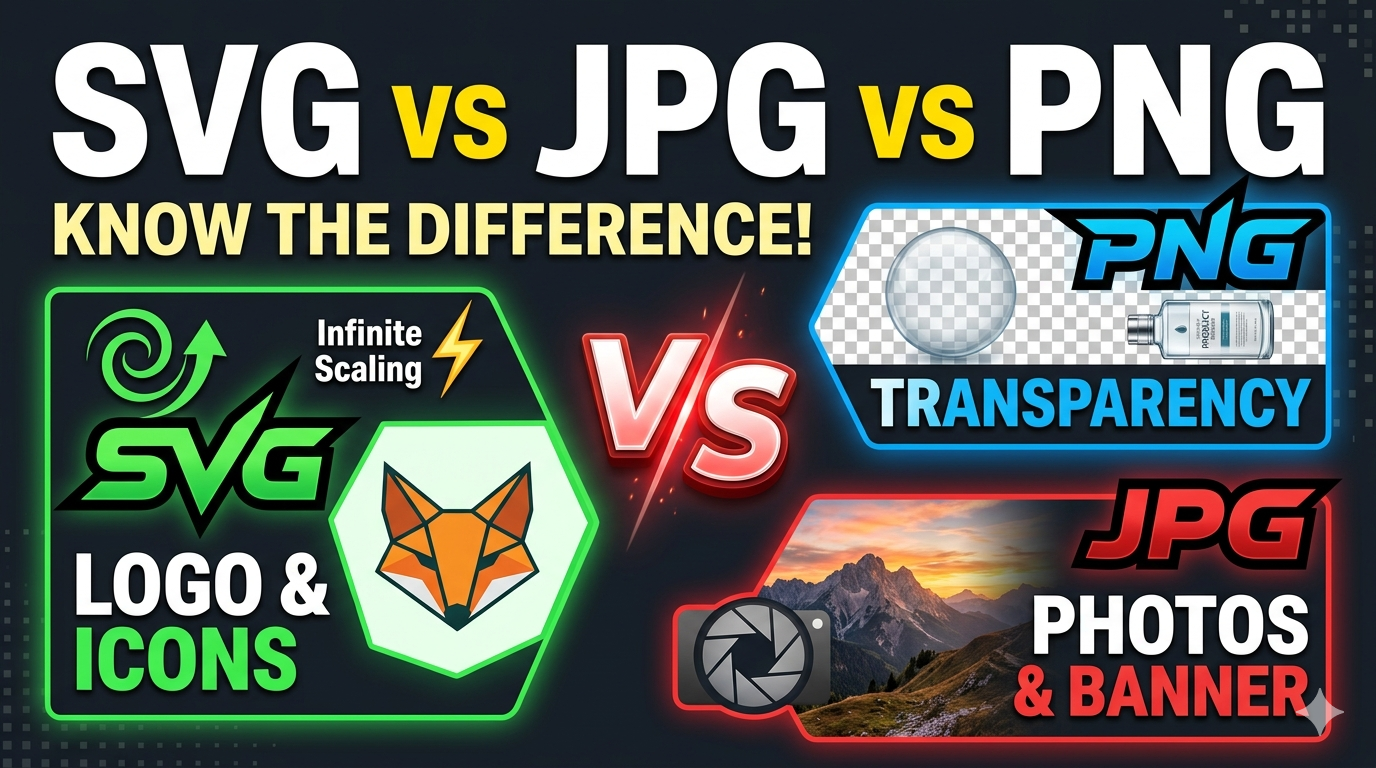
JPG or JPEG is commonly used when the image is a photograph and a compact file is preferred. PNG, WebP, and GIF provide different advantages depending on transparency, compression, animation, and compatibility requirements.
What happens when a transparent image is resized to 320 × 320?
The result depends on the selected output format and resize method. If transparency needs to be retained, use an output format that supports it and check the preview to ensure the background appears as intended.
How does changing the unit affect a 320 × 320 image?
Changing the measurement unit changes how the dimensions are displayed or entered, but it does not automatically mean the image has a different intended size. For a digital requirement specifically stated as 320 × 320 pixels, keeping pixels selected makes the target dimensions explicit.
Why can a 320 × 320 image have a different file size from another 320 × 320 image?
Pixel dimensions alone do not determine file size. File format, image content, compression, quality setting, transparency, and other encoding characteristics can cause two images with identical 320 × 320 dimensions to have very different file sizes.
Why is the 320 × 320 result different when the same image is processed again?
A previously resized image may already contain different pixel data and compression from the original. Processing that version again can therefore produce a different result, so using the original source is preferable when creating another 320 × 320 version.