





FAQ's
What are the pixel dimensions of a 3.5 × 3.5 cm image at 300 DPI?
At 300 DPI, 3.5 × 3.5 cm corresponds to approximately 413 × 413 pixels. The pixel dimensions change when a different DPI is selected.
What are the pixel dimensions of 3.5 × 3.5 cm at 200 DPI?
At 200 DPI, a 3.5 × 3.5 cm image is approximately 276 × 276 pixels. The physical size remains 3.5 × 3.5 cm, while the pixel count is lower than at 300 DPI.
What happens to the pixel size when DPI is changed?
Changing DPI changes the number of pixels associated with the same physical dimensions. For example, 3.5 × 3.5 cm at 300 DPI requires more pixels than the same physical size at 200 DPI.
Does 3.5 × 3.5 cm always produce a 1:1 image?
Yes. Equal width and height make the output a 1:1 square. The source image may have a different shape, but the selected resize method determines how it is fitted into the square.
Why does a rectangular photo not fit naturally into 3.5 × 3.5 cm?
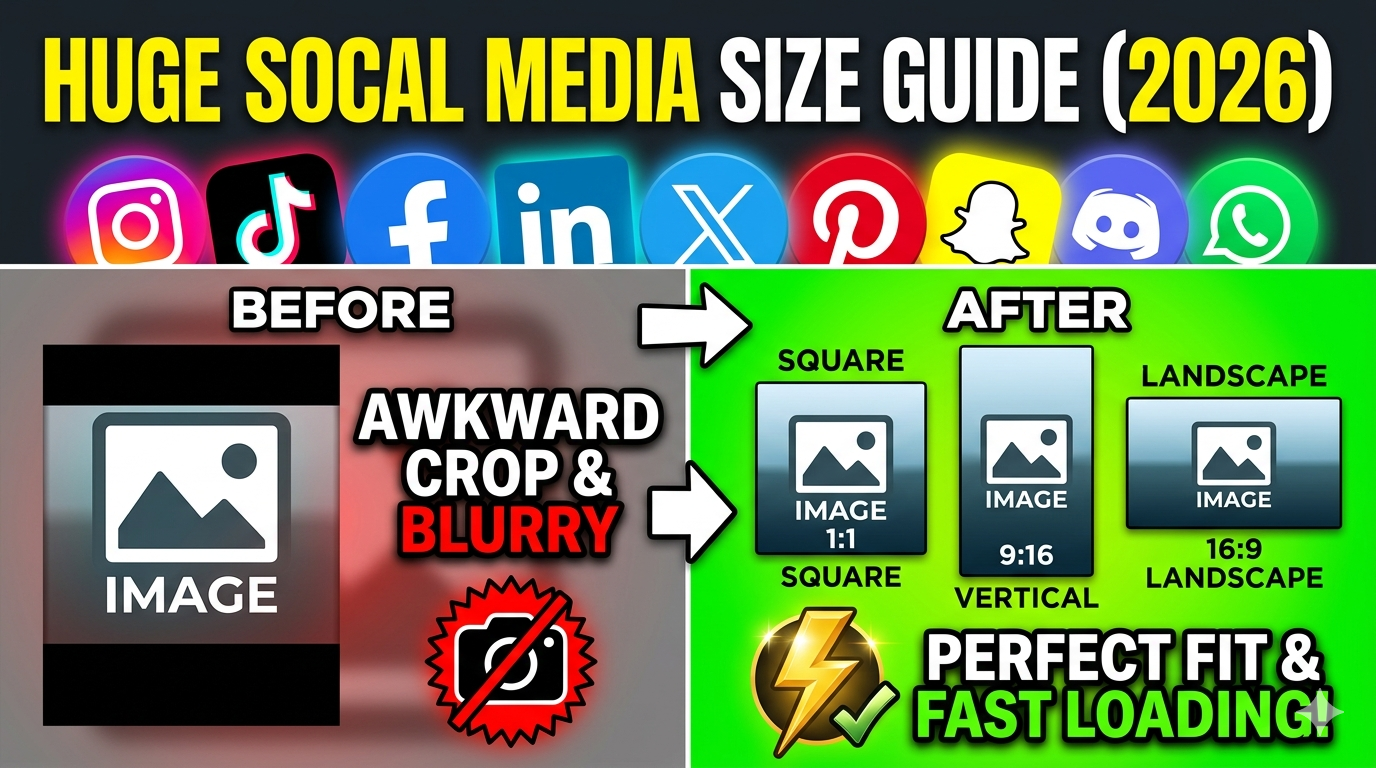
A rectangular photo has a different aspect ratio from a square. Forcing it directly into equal width and height can either change its proportions or require the unused area to be handled by a fit mode.
What does locking the aspect ratio do when changing the size?
With the aspect ratio locked, changing one dimension keeps the related dimension proportional. This helps prevent accidental distortion when making adjustments to the square dimensions.
What happens when the aspect ratio is unlocked?
The width and height can be changed independently. This is useful when a specific requirement calls for separate measurements, but unequal values will no longer maintain a square shape.
When does stretch work better for a 3.5 × 3.5 cm image?
Stretch is useful when filling the entire square is more important than preserving the original proportions. A source with unequal width and height may look distorted after being stretched into the square.
When are Fit & Blur and Fit & Color useful?
Both options keep the original image proportions while fitting the photo into the square dimensions without cropping. Fit & BG Blur fills the remaining space with a blurred version of the image, while Fit & BG Color uses a solid background color for a cleaner, uniform appearance.
Why does the square output contain empty space around my photo?
This usually happens when the original image is not square and a fit mode is being used. The tool preserves the source proportions and fills the remaining area according to the selected resize mode.
Why does cropping a photo remove important parts of the image?
A rectangular source contains more area in one direction than a square frame can accommodate. Fitting it into a 1:1 composition can therefore remove portions near the edges when cropping is involved.
Why does a 3.5 × 3.5 cm image look blurry after resizing?
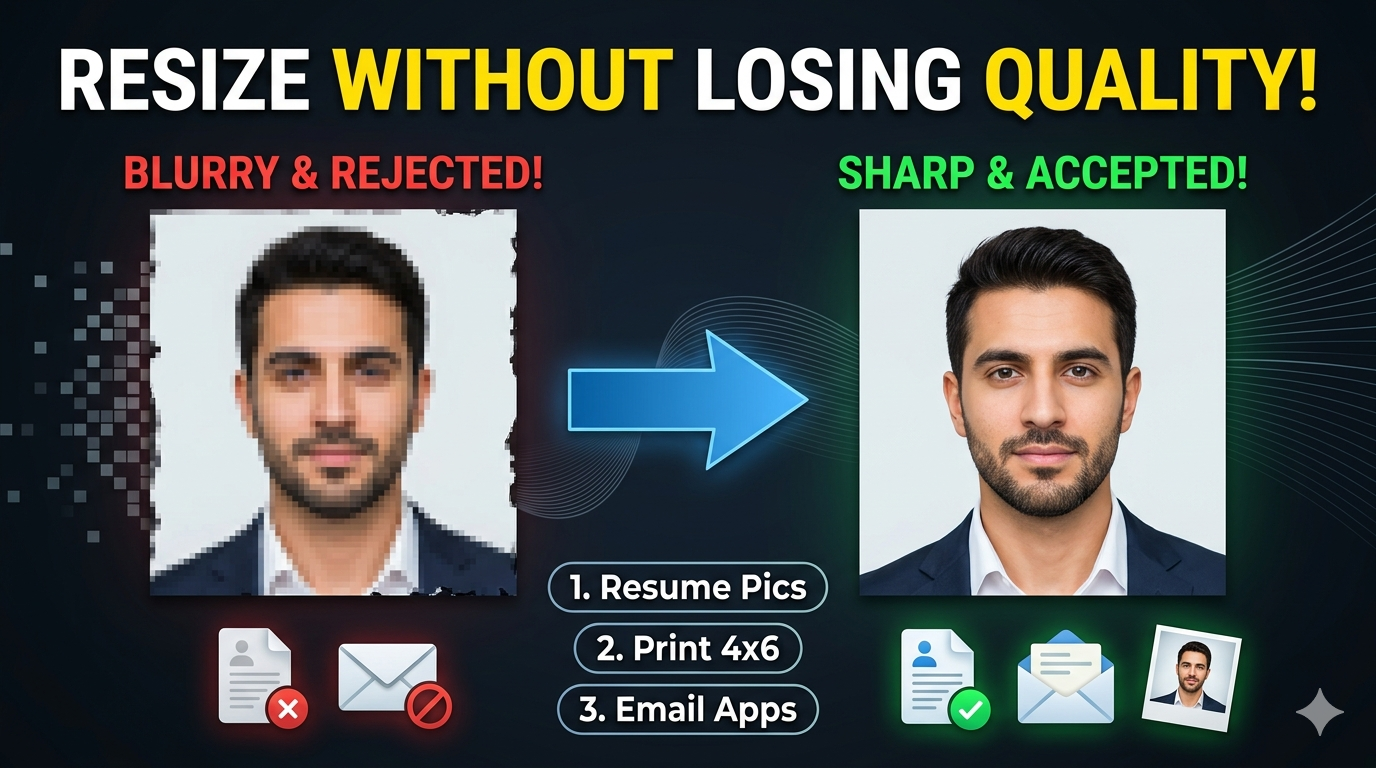
A source image with insufficient detail may become softer when enlarged or heavily reduced. Quality settings and the selected output format can also affect the final appearance.
Why does increasing image quality make the file larger?
Higher quality generally preserves more image information during compression. This can increase the resulting file size, especially for detailed photographs.
Why is my 3.5 × 3.5 cm image still large in file size?
Centimeter dimensions alone do not determine file size. DPI, pixel dimensions, image detail, output format, and quality settings all contribute to the final file size.
Which format is better for a 3.5 × 3.5 cm photograph?
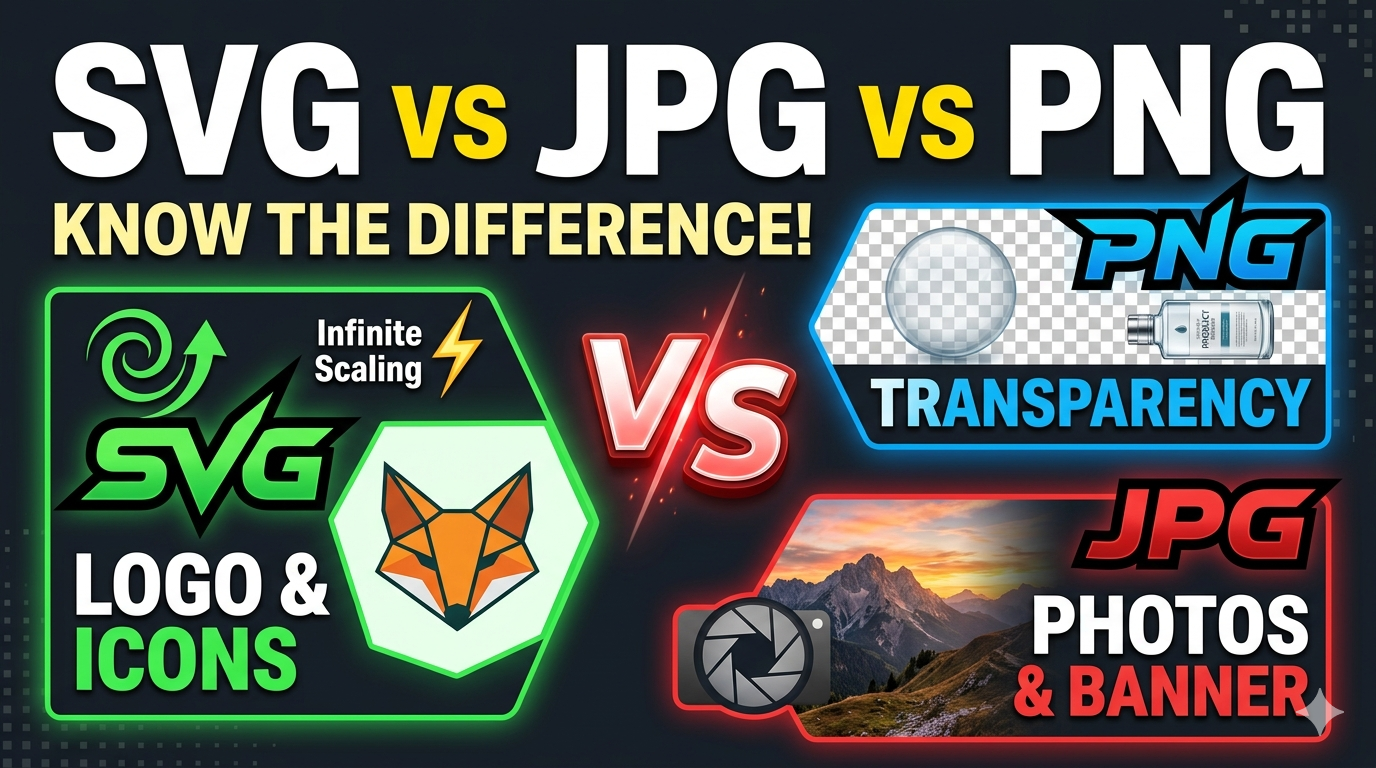
JPG or JPEG is generally suitable for photographs because it provides compressed output with relatively small files. The appropriate choice ultimately depends on the required compatibility and file-size limit.
When are PNG and WebP useful for a 3.5 × 3.5 cm image?
PNG is useful when transparency or lossless image quality is important, while WebP is useful when you want efficient compression with a good balance between quality and file size. The better choice depends on the image and whether the destination supports the selected format.
What happens when a small image is enlarged to 3.5 × 3.5 cm?
The tool has to generate additional pixels to reach the required output dimensions. If the original image is very small, the enlarged result may not contain the same level of detail as a higher-resolution source.
Why can two 3.5 × 3.5 cm images have different file sizes?
Two images with identical physical dimensions can have different pixel dimensions, DPI, quality settings, formats, and amounts of visual detail. These differences can make one file considerably larger than another.
What is the 3.5 × 3.5 cm passport photo size?
A 3.5 × 3.5 cm photo is a square image measuring 3.5 cm in both width and height. This gives the photo a 1:1 aspect ratio.
What is the 3.5 × 3.5 cm photo size in inches?
A 3.5 × 3.5 cm photo is approximately 1.38 × 1.38 inches. The conversion uses 2.54 cm per inch.
What pixel size is 3.5 × 3.5 cm for a passport photo?
The pixel dimensions depend on the selected DPI. At 300 DPI, a 3.5 × 3.5 cm photo is approximately 413 × 413 pixels.
What happens if my passport photo is 5 × 3.5 cm?
A 5 × 3.5 cm photo has a different aspect ratio from a square 3.5 × 3.5 cm photo. Resizing it may require cropping, fitting with a background, or stretching depending on the selected resize type.
Does every passport require a 3.5 × 3.5 cm photo?
No. Passport and application photo requirements vary by country and authority. Always check the specific dimensions stated for your application before preparing the photo.