





FAQ's
How can I resize an image to 1400x1400 using imgresizers.com?
To resize an image to 1400x1400 using imgresizers.com, simply upload or drag and drop your image and you can adjust settings like DPI, resize type, and quality based on your needs. Once every is set, the tool quickly processes your image and give a clean square output that is ready for social media, product listings, or other uses.
Can I resize high-resolution images without losing too much detail?
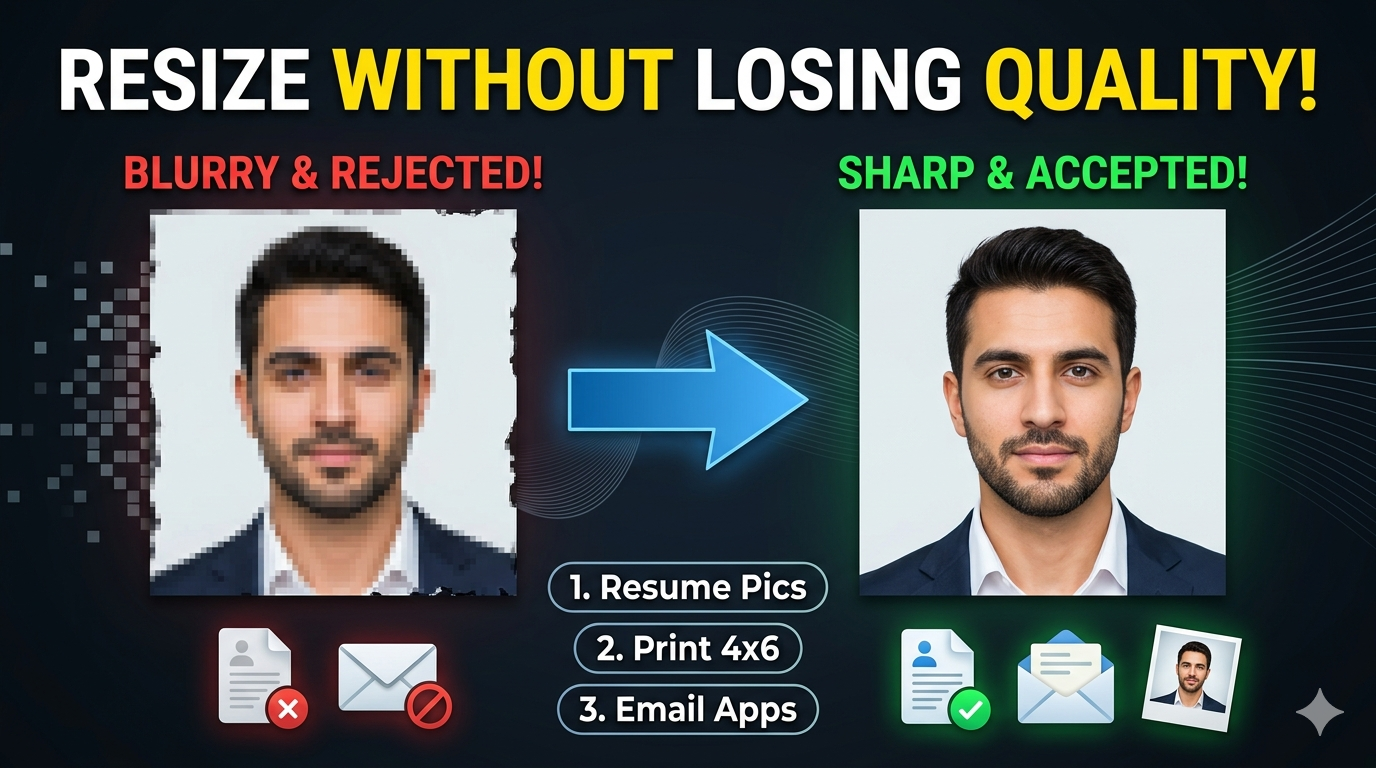
Yes, imgresizers.com is designed to handle high-resolution images efficiently while resizing them to 1400x1400 pixels. When you upload a large image, the tool scales it down carefully so that important details are preserved. You can also adjust quality and DPI settings to maintain sharpness. This makes it suitable for users who want a balance between clear visuals and optimized image size.
Is it safe to upload images to imgresizers.com?
Yes, imgresizers.com processes your images in a secure environment. The uploaded files are used only for resizing and are not stored permanently on the server. Once the process is completed, the images are removed automatically. This ensures your data remains private and protected, making the tool safe to use even for important or sensitive images.
Does the tool add any watermark to resized images?
No, imgresizers.com does not add any watermark or branding to your resized images. The final output is clean and ready to use for any purpose, whether it is personal, social media, or professional work. This saves you from doing any extra editing and allows you to directly use the image after downloading.
Do I need an internet connection to use this tool?
Yes, since imgresizers.com works as an online tool, you need an internet connection to upload and process your images. However, the process is optimized to be fast and efficient, so it does not consume much data and works smoothly even on average internet connections.
Why should I choose imgresizers.com for large image resizing?
Imgresizers.com offers a simple interface, fast processing, and useful settings like DPI and quality adjustment. This makes it easier to resize large images like 1400x1400 without using complex software. The tool is designed for convenience, allowing users to quickly upload, adjust, and download images in just a few steps.
Can I use 1400x1400 images for website design?
Yes, 1400x1400 images work well for website design, especially in sections like product listings, galleries, or featured content. This size provides enough resolution to make images look sharp without being too heavy, helping maintain a balance between quality and loading speed.
When should I use 1400x1400 instead of 1080x1080?
You should use 1400x1400 when you need higher resolution and better image clarity, especially for detailed visuals like product images or portfolio content. While 1080x1080 is more commonly used for social media, 1400x1400 gives you extra detail, which can be useful when quality is a priority.
Can I resize images to smaller sizes like 1920x480 or 120x30?
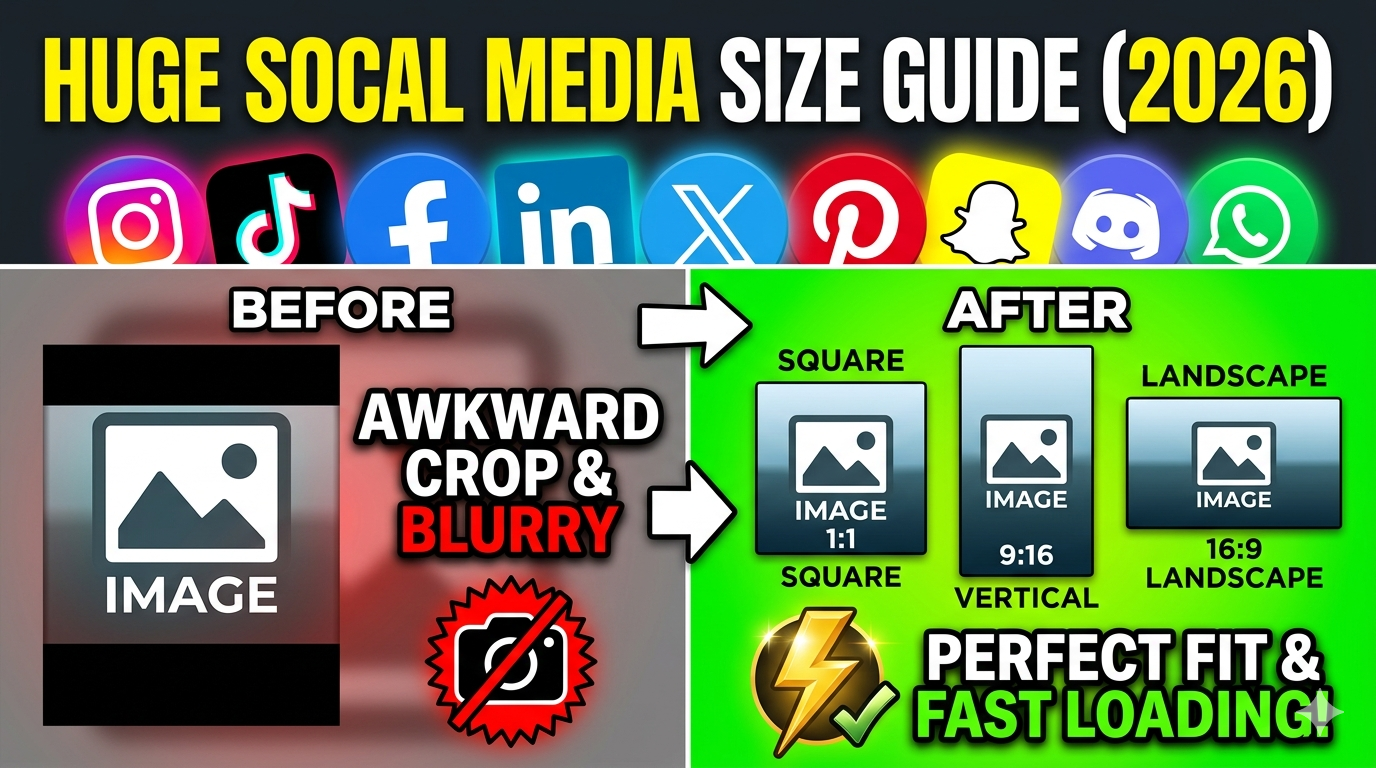
Yes, you can resize images to different dimensions based on your needs using imgresizers.com. Along with 1400x1400, you can easily switch to other sizes like 1920x480 for banner-style images or 120x30 for small header elements and buttons. The tool lets you quickly adjust width and height, so you can create multiple versions of the same image for different platforms without any extra effort or complex editing.
Can I resize my image to ultra HD square sizes like 2000x2000 or 2732x2732?
Yes, if you need higher resolution, imgresizers.com supports larger dimensions as well. You can resize image to 2000x2000 or resize image to 2732x2732 for detailed visuals, high-quality displays, or print purposes. This flexibility allows you to scale your images up or down as needed.