




FAQ's
How to resize image to 120x30 pixels online?
It is very easy to resize an image to 120x30 pixels on our imgresizers.com platform. Simply upload or drag and drop your image, then manually set the width and height. You can also adjust advanced settings like DPI, choose a resize type such as stretch, fit, or fit with background color or blur, and control image quality. If needed, you can change the image format before clicking the download button to save the resized image to your device.
What is 120x30 image size used for?
The 120x30 image size is mainly used for small banners, badges, buttons, and compact logos where space is limited. It is commonly seen in website headers, email signatures, and affiliate or promotional banners. Due to its slim horizontal layout, it works well for displaying simple branding elements without taking much space. For slightly larger alternatives, you can also resize image to 300x100 or resize image to 468x60 depending on your design needs.
Can I resize images to other banner sizes like 468x60?
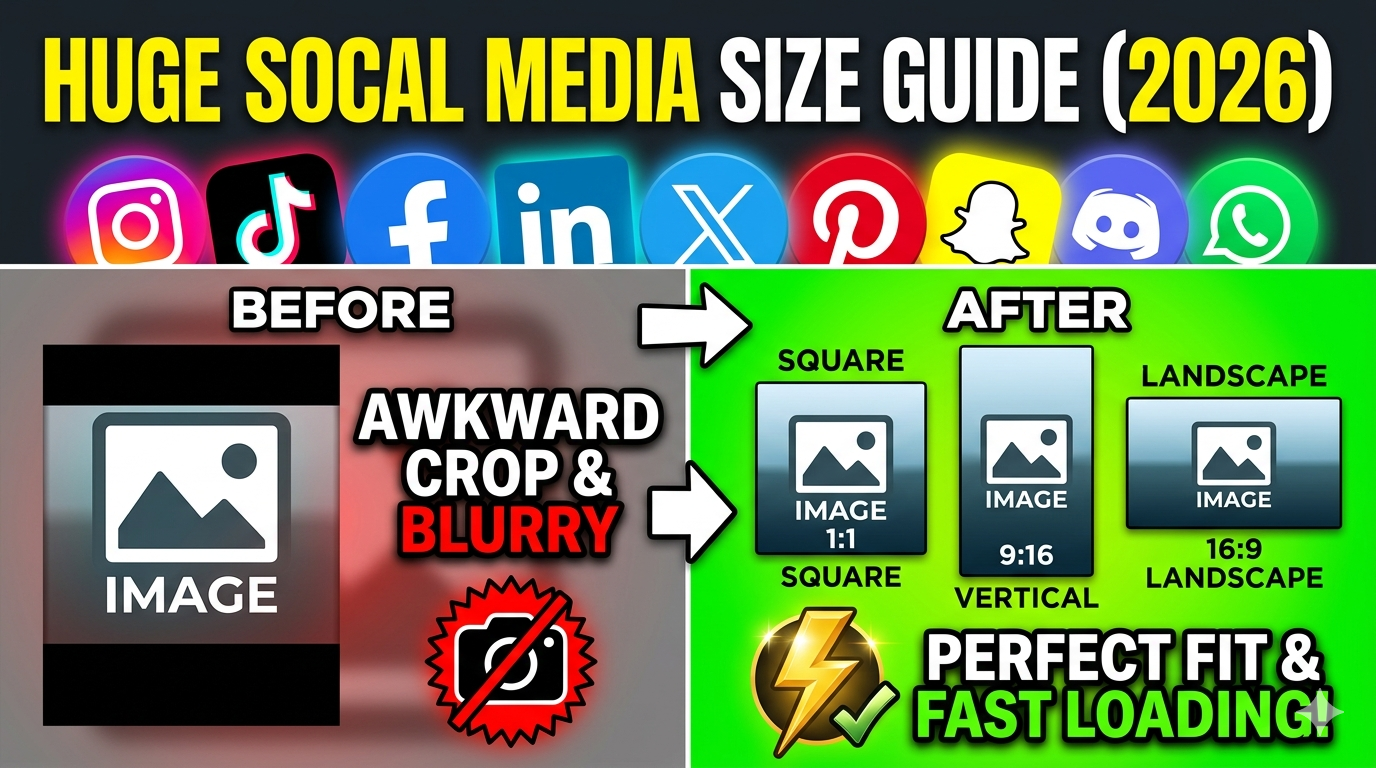
Yes, on imgresizers.com you can easily resize your image to other banner sizes like 468x60 without any difficulty. Just upload or drag and drop your image, enter the custom width and height as 468x60, and adjust settings like quality, DPI, or resize type if needed. The tool supports flexible resizing for different platforms, so you can also resize images for WhatsApp, Instagram, Facebook, and other.
Will add any wattermark on my resized image at imgresizers website?
No, imgresizers website does not add any watermark to your resized images. Once you upload your image and resize it to 120x30 pixels, the final output you download is completely clean and free from any branding or marks. This makes it easy to use the image directly for blogs, websites, or social media without needing any extra editing or cleanup.
Can I use this 120x30 resizer on mobile devices?
Yes, imgresizers.com is designed to work smoothly on mobile devices as well. The interface adjusts to smaller screens, allowing you to upload your image, set the dimensions, and apply resizing without any difficulty. This makes it useful when you need to create or edit small banners or logos directly from your phone.
Which format is best for small banner images?
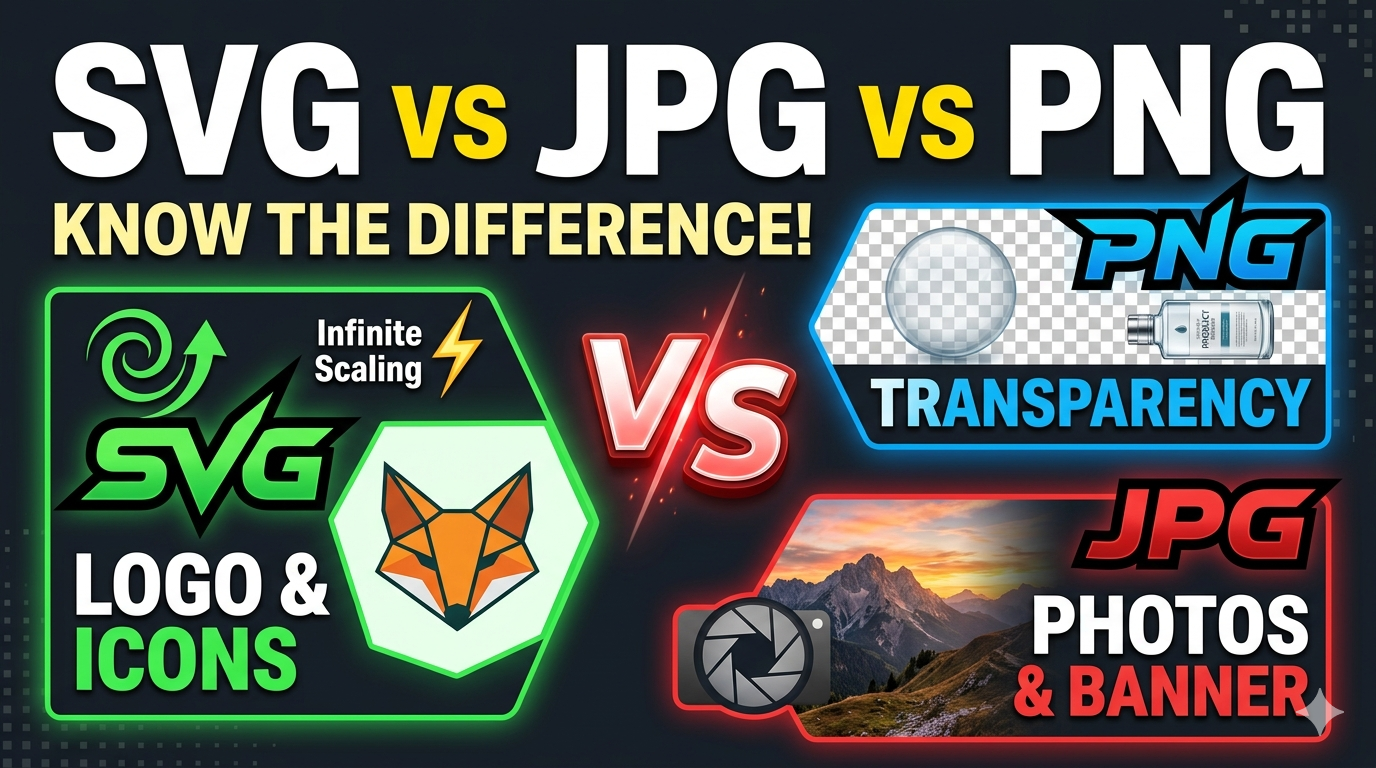
For small banner images like 120x30, PNG is often preferred because it preserves clarity, especially for logos and text-based designs. JPG can be used for general images, while WEBP is helpful when you want to reduce file size for faster loading without losing too much quality.
Can I use 120x30 images for website navigation bars?
Yes, 120x30 is suitable for navigation bars where you need a slim logo or banner that fits neatly without taking too much space. It helps maintain a clean layout while still displaying branding clearly. If you need more detail, you can also resize image to 168x168 or resize image to 250x250 for alternative placements.
Do I need to create an account to resize image to 120x30 pixels online?
No, you do not need to create an account to resize image to 120x30 pixels using imgresizers.com. The tool is designed for quick and easy access, allowing you to upload your image, set the dimensions, and resize it instantly without any login or sign-up process. This saves time and makes the experience smooth, especially when you need fast results without unnecessary steps or interruptions.
Can I resize to square sizes like 100x100 as well?
Yes, along with 120x30, you can resize image to 100x100 or resize image to 250x250 if you need square images. This makes the tool flexible for different types of design requirements.