




FAQ's
Is it safe to upload on safeimagekit.com to compress photos?
Yes, our safeimagekit.com is a safe and reliable website that utilizes robust encryption methods to protect user data. Once the process of compression is completed, no files are stored on our servers.
Can I give the tool access to my Google Drive or Dropbox to upload files?
Yes, you can grant access to your Google Drive or Dropbox to our tool as it is safe and trustworthy. The tool follows proper security measures to upload files to compress images online.
Is compressing an image on mobile possible?
Yes, Compression of images on mobile devices is possible as the tool adapts to different screen sizes smoothly for the convenience of the user.
Is it easy to compress an image online?
It is very easy to compress the image size online. There are a lot of picture size compressor tools online. You need to simply upload the image that you want to compress or reduce. That’s it. The tool will display the compressed picture which you can download for further use.
What are the image formats supported by the tool?
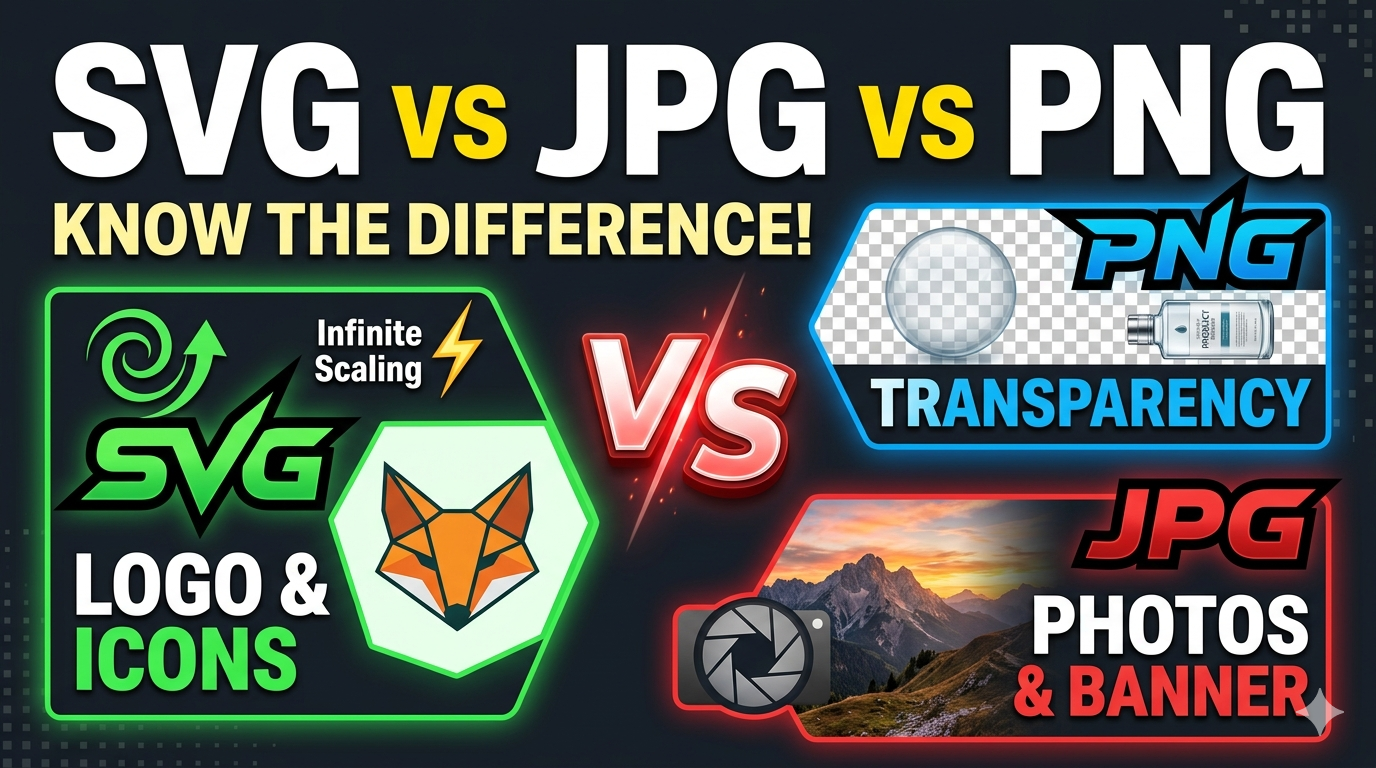
The image formats supported by the tool are PNG, JPG, JPEG, WEBP, and GIF. You can choose any of the formats to compress images online.
How much of the photo compressor tool will shrink the file?
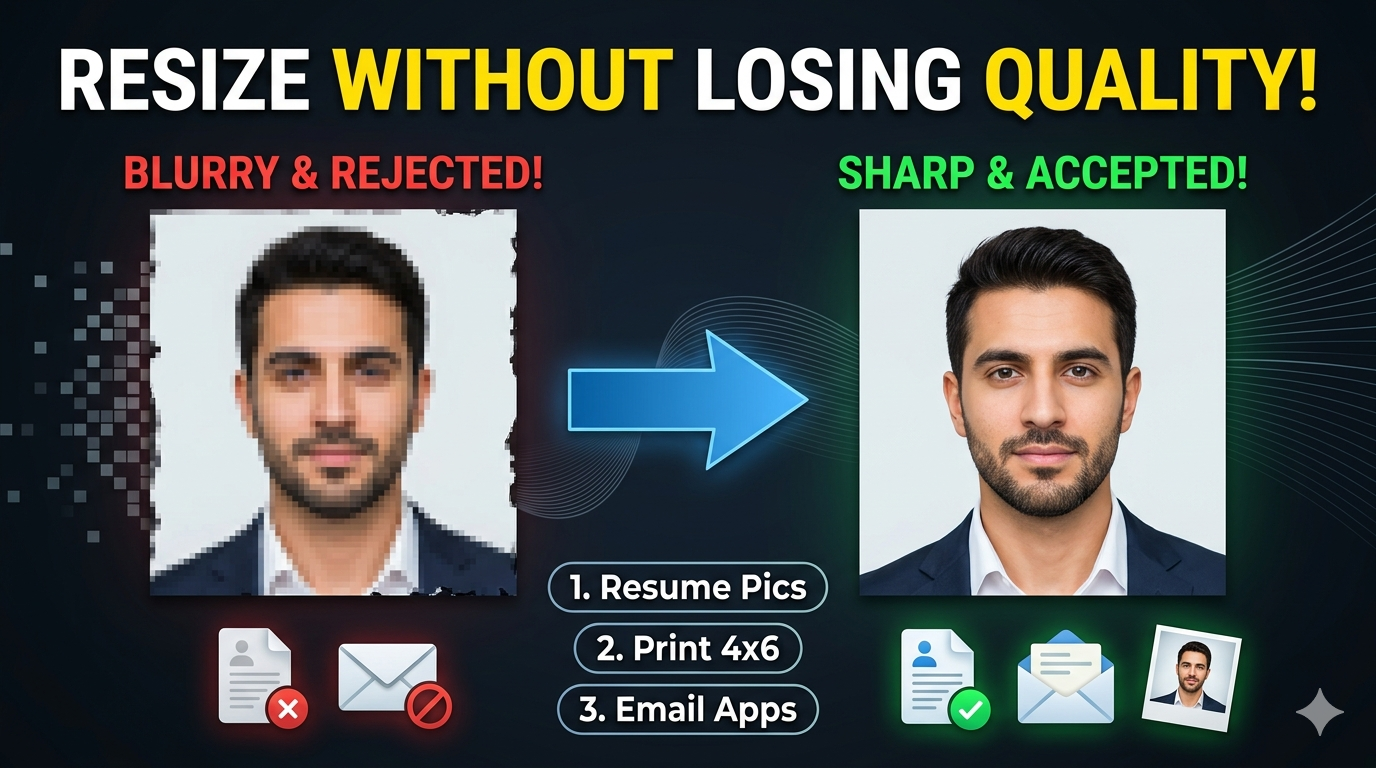
The photo compressor tool will shrink the file size to a certain extent by maintaining the quality. The compression level would be based on the original file type and file size. However, the tool displays the compression level of the new file.
Is it possible to adjust the quality level while pic compression?
Yes, you can adjust the quality level while pic compression by dragging the slider which ranges from 10 to 100. Based on the user requirements, one can choose the quality level and compress the files easily.
What are the features offered by the “Photo compressor”?
The photo compressor feature from safeimagekit.com provides a wide range of features while compressing an image file. There are various options for uploading images, compatibility with all image formats, adjustment of quality level, comparison of original and new compressed files, display of file sizes of both original and compressed files, and easy download options.
Can I use the pic size compressor on any operating system?
Yes, you can use the picture size compressor on any operating system like Windows, macOS, Linux, or any other. The tool is accessed smoothly on the device browser with a stable internet connection.
How many image files can we compress on the image compressor?
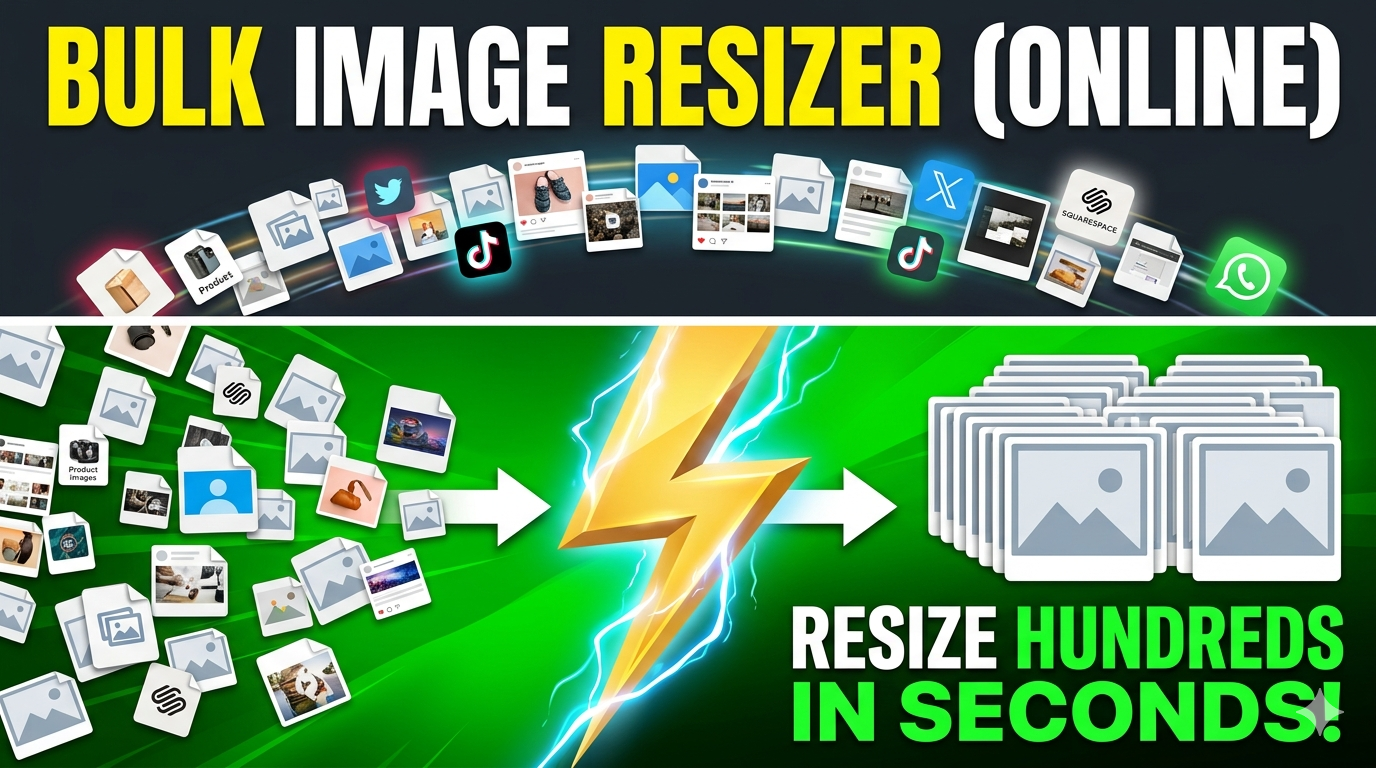
Our image compressor feature will compress or reduce a single image simultaneously. However, you can compress as many files as you want without any restrictions as the service is completely free. If you want to resize the images in bulk, then you can visit our https://safeimagekit.com/multiimage-resizer
Do I have to do any additional sign-up or log in to use the image compressor tool?
No, there is no necessity to sign up or log in to use the image compressor tool. There is no need to provide any personal information to access the tool.
Will my file be saved after the compression process on the image compressor tool?
No. None of the user files are saved or stored on our server after the completion of the compression process.
If I refresh the page, will my uploaded image still be there?
No, the uploaded image will not be retained if you refresh the page. You need to upload the image again from the beginning.